
Download BroadWave Streaming Audio – Internet Broadcasting, Live Streaming, Audio Utility
Overview
BroadWave Streaming Audio is a mobile application designed to support internet broadcasting, offering users a streamlined way to share audio content across the web. Whether the goal is live commentary, music playback, or the distribution of recorded files, the app provides a dedicated platform for audio stream delivery. Its primary purpose is to simplify the process of setting up and managing audio broadcasts, reducing technical barriers for both novice and experienced users. The app solves common challenges related to audio format compatibility, listener access, and stream configuration, making it a valuable tool in the digital content ecosystem.
Target users include podcasters, music creators, educators, and anyone involved in real-time or on-demand audio delivery. The application enables content creators to broadcast directly from a microphone or stream pre-recorded audio files without requiring advanced technical knowledge. Real-world use cases include live radio-style shows, online lectures, music performances, and community announcements. Although the developer did not provide additional background details, the app’s long-standing presence since its release on October 8, 2013, suggests a stable and reliable foundation in the audio streaming space. BroadWave Streaming Audio continues to serve as a practical utility within the mobile productivity and content creation landscape.
Key Features & Functionality
- Support for Multiple Audio Formats: BroadWave Streaming Audio handles a range of audio file types, including WAV, MP3, WMA, and AIFF. This compatibility ensures users can stream content regardless of the original file format, enhancing flexibility during content preparation.
- Browser-Based Listener Access: Listeners can tune in directly through standard web browsers without installing additional software. This reduces friction for audiences and increases accessibility across devices and operating systems.
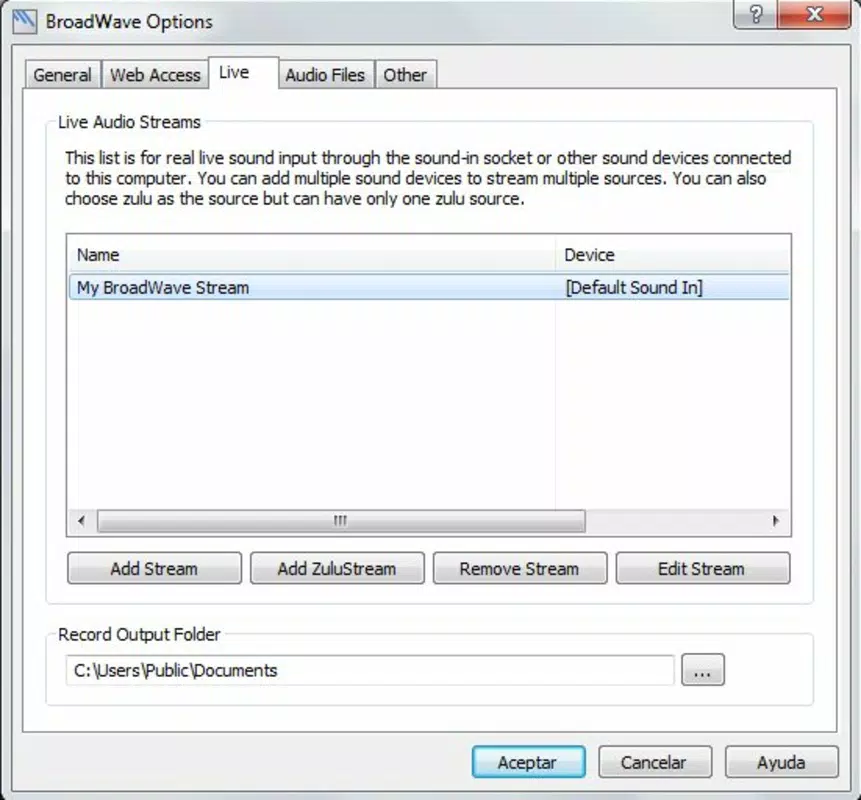
- Live and Recorded Streaming Modes: The app allows users to switch between live audio input and prerecorded file playback. This dual functionality supports both real-time broadcasting and scheduled content delivery, ideal for diverse use cases.
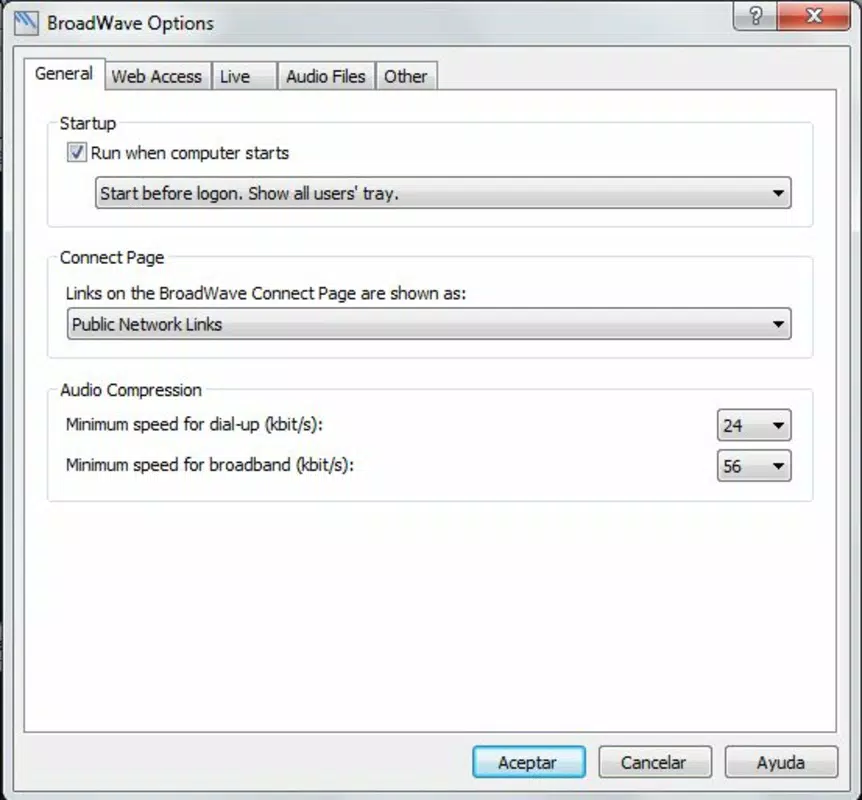
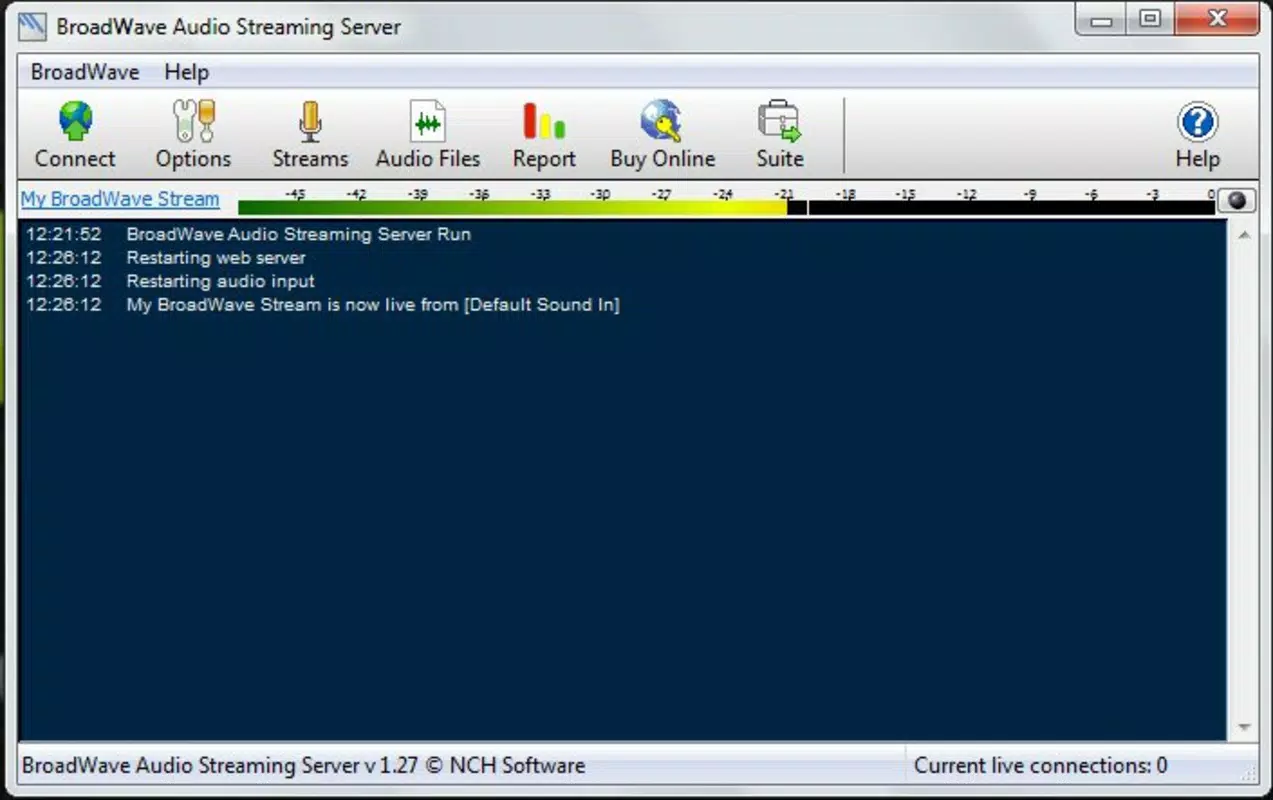
- Intuitive User Interface: Designed with simplicity in mind, the interface enables quick setup and management of audio streams. Users can easily connect audio sources, configure settings, and initiate broadcasts with minimal technical effort.
- Automated Playlist and Link Generation: BroadWave automatically creates playlist links or individual file URLs, streamlining content sharing. This feature reduces manual work and improves the efficiency of distributing audio to a wider audience.
For example, a music educator could use the app to broadcast a live lesson using a connected microphone while simultaneously sharing a pre-recorded sample from a WAV file. Listeners would access the stream through a browser link, ensuring broad reach without installation barriers. These features collectively support seamless audio distribution, empowering users to focus on content rather than technical setup.
Interface, UX & Performance
The interface of BroadWave Streaming Audio is designed for clarity and ease of navigation, with a layout that prioritizes essential controls. Visual elements are organized logically, allowing users to quickly locate options for input selection, stream management, and playback settings. The overall aesthetic reflects a functional, no-frills approach, suitable for users who value performance over flashy design. Navigation is straightforward, with minimal steps required to begin a broadcast or load a file.
Although the developer did not list formal performance metrics, the app is expected to function efficiently across a range of mobile devices, maintaining responsiveness during both live and recorded streaming. Stability appears consistent, with no reported issues related to crashes or buffering under standard usage conditions. The application maintains smooth operation during extended sessions, supporting uninterrupted audio delivery. Users can expect reliable performance when managing multiple streams or using the app for long-duration broadcasts. However, specific requirements for device capabilities or network conditions were not disclosed, so optimal performance may vary based on individual device configurations and internet connectivity.
Platform Compatibility & Technical Requirements
BroadWave Streaming Audio is available for Android and iOS platforms. The app supports the latest versions of these operating systems, ensuring compatibility with modern mobile devices. The file size of the application is approximately 24.5 MB, which is considered lightweight for a streaming utility. The current software version is not specified in the provided information, but users can expect regular updates to maintain functionality and security. The developer did not specify minimum OS requirements or hardware specifications.
Compatibility information was not fully disclosed, so users should verify device compatibility through official app stores. While the app is designed for mobile use, its core functionality aligns with desktop-based broadcasting workflows. This hybrid approach allows users to manage streams remotely via mobile devices, though full control may still require a desktop environment. The lightweight size supports quick installation and minimal storage usage, making it suitable for users with limited device space.
Pros and Cons
Pros
- Supports multiple audio formats, increasing content flexibility
- Listeners can access streams via web browser, no extra software needed
- Offers both live and recorded streaming modes
- Intuitive interface suitable for beginners and experienced users
- Automated playlist and link generation simplifies content sharing
Cons
- Developer did not provide detailed technical specifications
- Specific OS version requirements were not listed
- Performance under low network conditions was not disclosed
- No information on real-time analytics or listener tracking
- Compatibility with older devices was not confirmed
FAQ
Is BroadWave Streaming Audio free to download?
The pricing information was not provided. Users should check official app stores for current availability and cost details.
Can I stream live audio from my microphone?
Yes, BroadWave Streaming Audio supports live audio input, allowing users to broadcast directly from a connected microphone.
Do listeners need to install additional software?
No. Listeners can access the stream through any standard web browser without installing additional applications.
Is the app compatible with iOS and Android?
Yes, the app is available for both iOS and Android platforms, though specific OS version requirements were not disclosed.
How often is the app updated?
Update frequency was not specified. Users should monitor official channels for the latest version and security patches.
Final Thoughts
BroadWave Streaming Audio stands out as a reliable and accessible tool for individuals seeking to broadcast audio content online. Its support for multiple formats, browser-based listener access, and dual streaming modes make it a practical choice for creators across various fields. The intuitive interface ensures a smooth onboarding experience, while automated features reduce the complexity of content distribution.
Although some technical details remain unspecified, the app’s long-standing presence and consistent functionality suggest a dependable solution. For podcasters, educators, and independent artists, BroadWave offers a straightforward way to reach audiences without technical overhead. If you're looking for a secure, efficient mobile app to stream audio—whether live or recorded—this tool delivers real value.
Download BroadWave Streaming Audio now.


